Lighting Quality
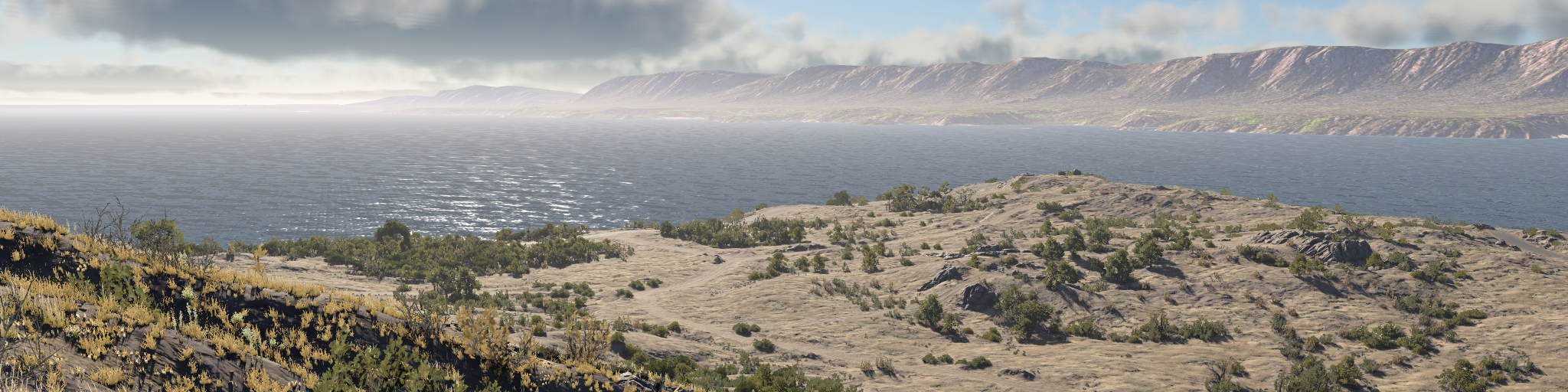
Lighting quality is controlled by several graphics settings, not one setting only. Lighting Quality chooses the main light manager path, while Shadows Quality, Local Lights Quality, dynamic reflections, mirrors, clouds, ambient occlusion, screen space reflections, PostFX, HDR output, and the overall graphics preset all affect how lighting is perceived.
Physically based light values do not change between quality settings. A light set to 1000 cd still uses the same physical value, but lower settings may render it with simpler lighting, lower shadow resolution, fewer shadowed local lights, disabled reflections, reduced clouds, or missing PostFX.
Current quality model
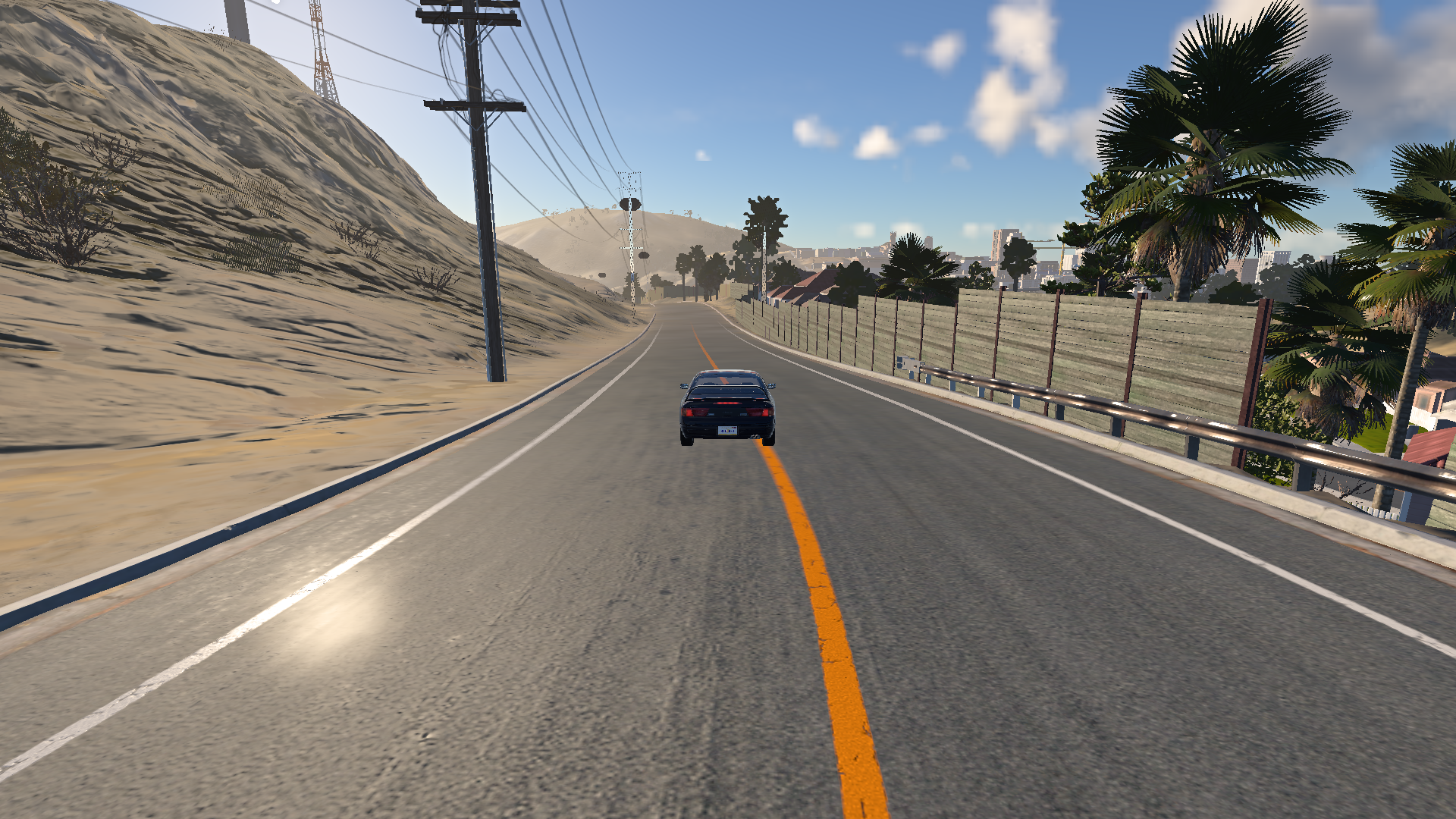
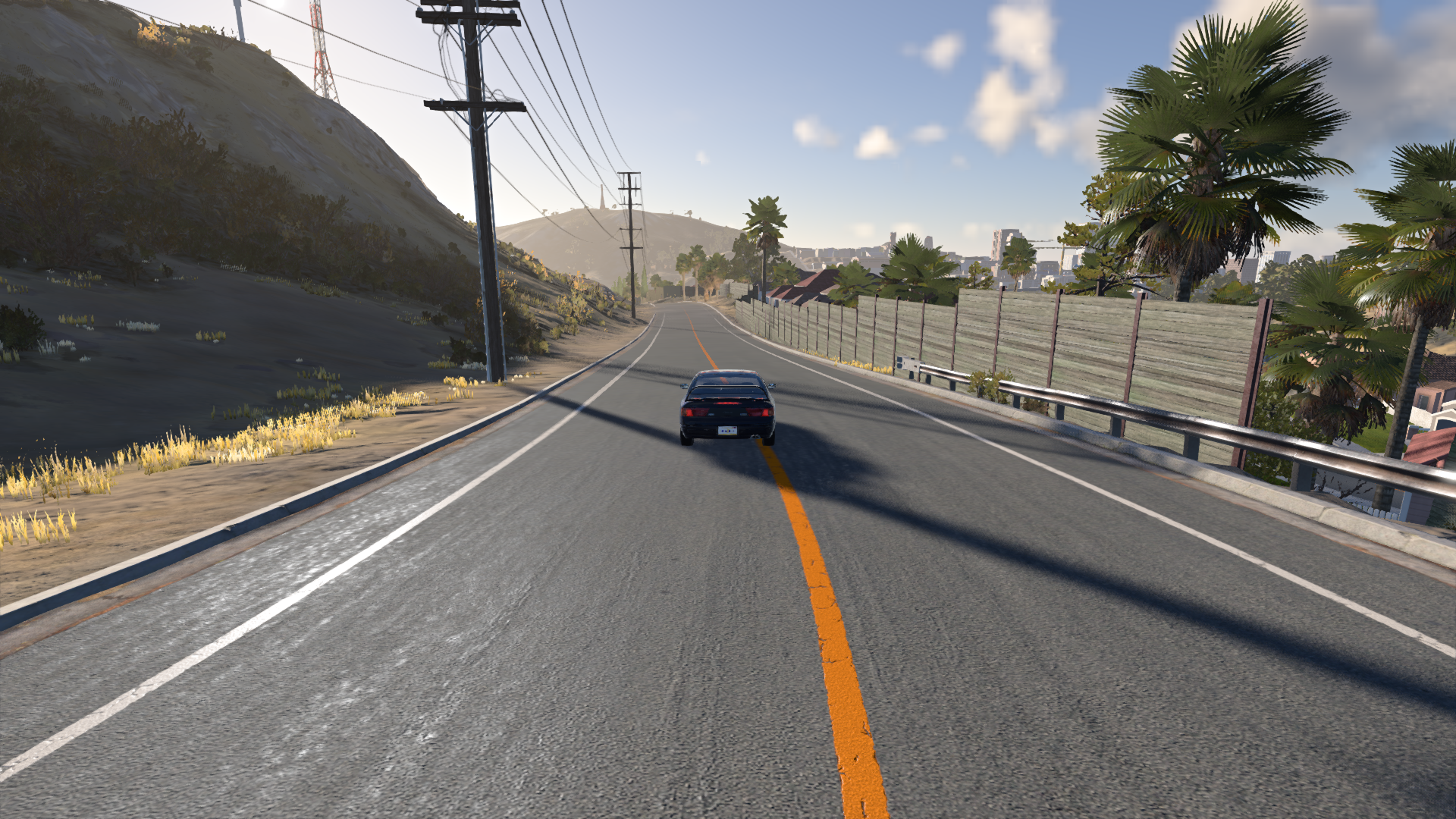
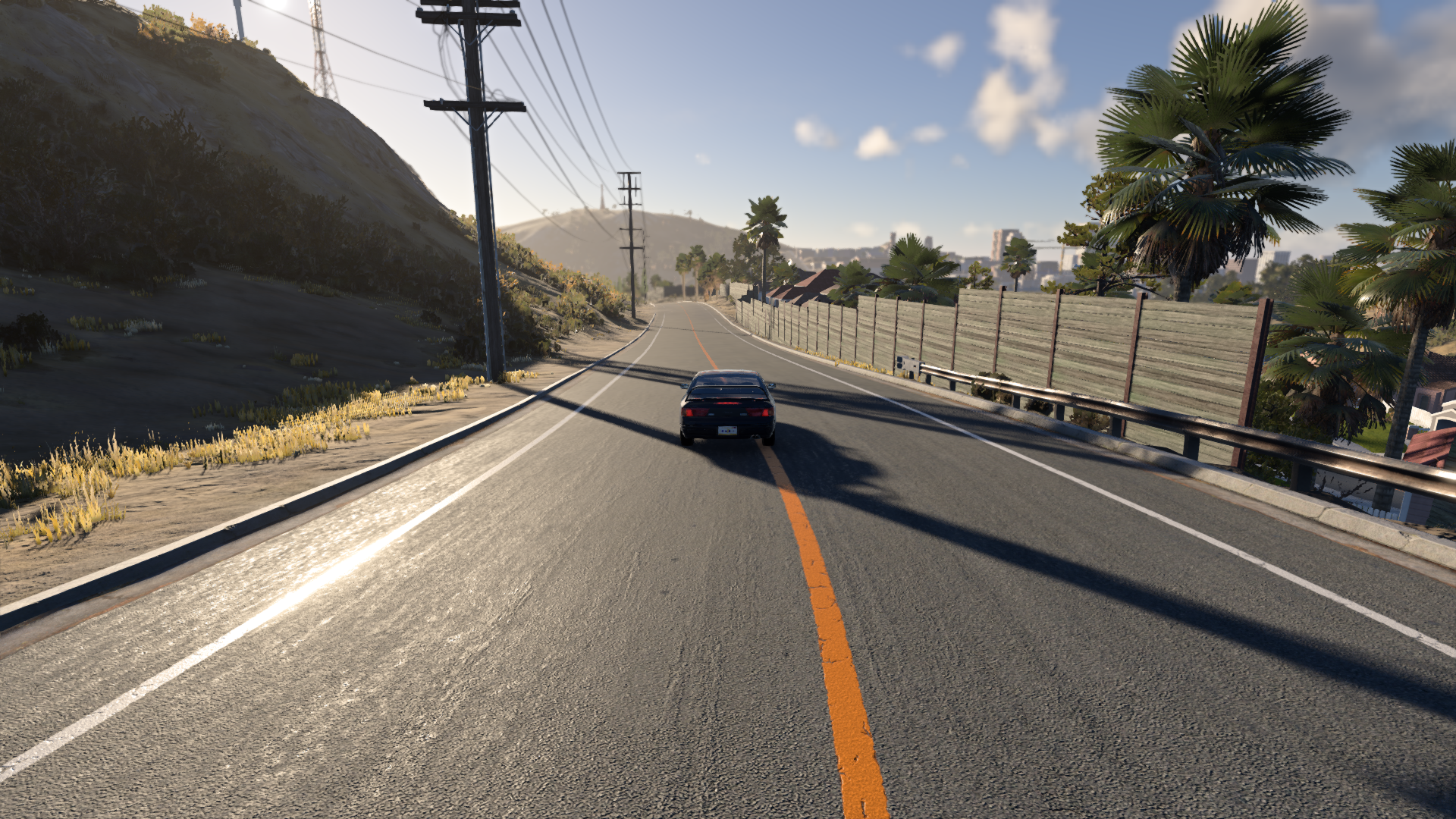
The current graphics presets combine several independent settings. For example, the Normal overall preset already uses High Lighting Quality, while Low and Lowest disable many expensive effects. Since version 0.40, most settings are quality levels instead of separate on/off switches and numbers.
| Overall preset | Lighting Quality | Shadows Quality | Local Lights Quality | Dynamic reflections | Dynamic mirrors | Cloud quality | Ambient occlusion | Screen-space shadows | Preview |
|---|---|---|---|---|---|---|---|---|---|
| Lowest | Lowest | Lowest | Lowest | Disabled | Disabled | Disabled | Off | Off |
|
| Low | Low | Low | Low | Disabled | Disabled | Low | Off | Off |
|
| Normal | High | Normal | Normal | Disabled | Normal | Normal | Normal | On |
|
| High | High | High | High | Normal | Normal | High | Normal | On |
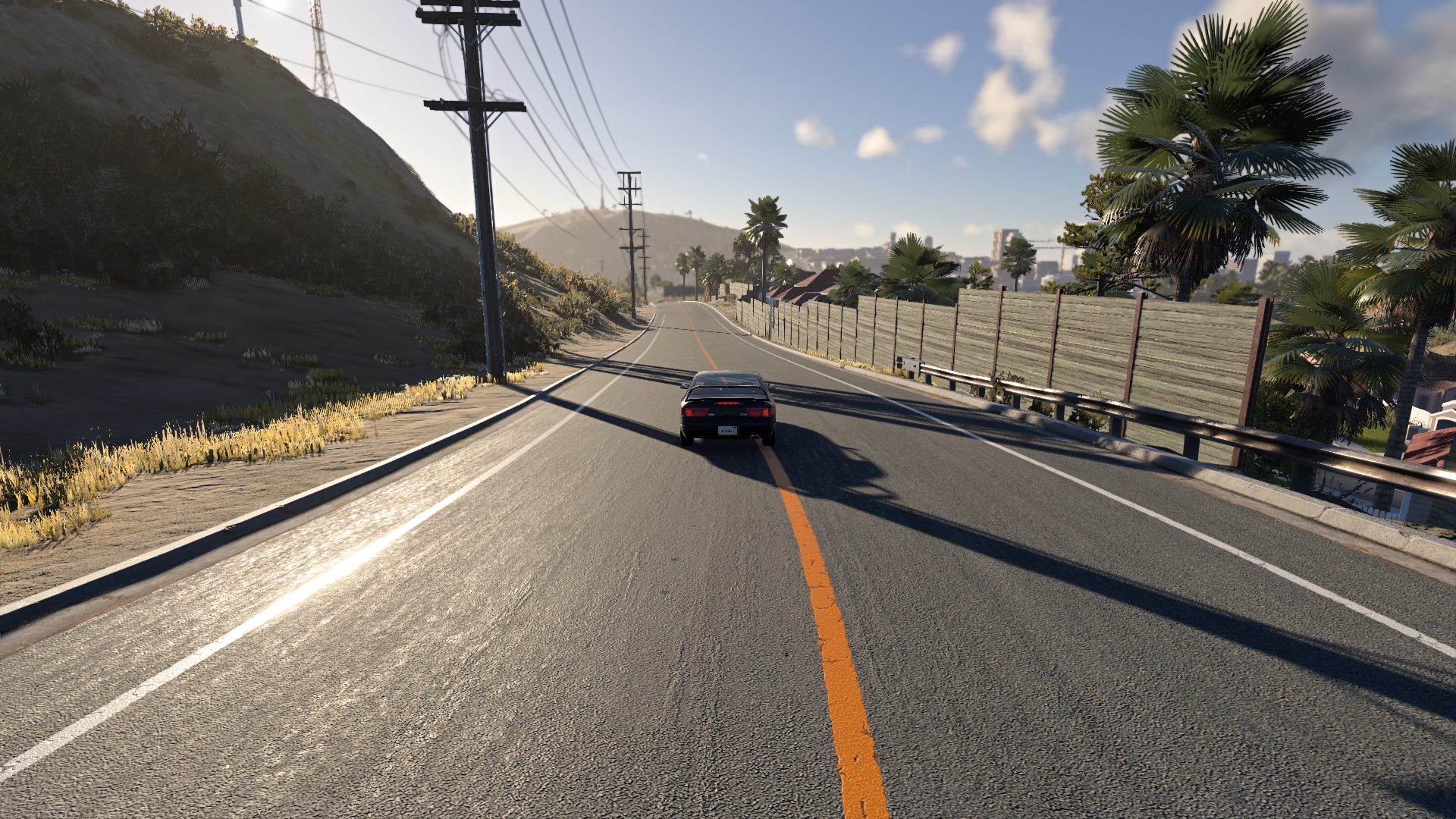
|
| Ultra | Ultra | High | Ultra | High | High | High | Normal | On |
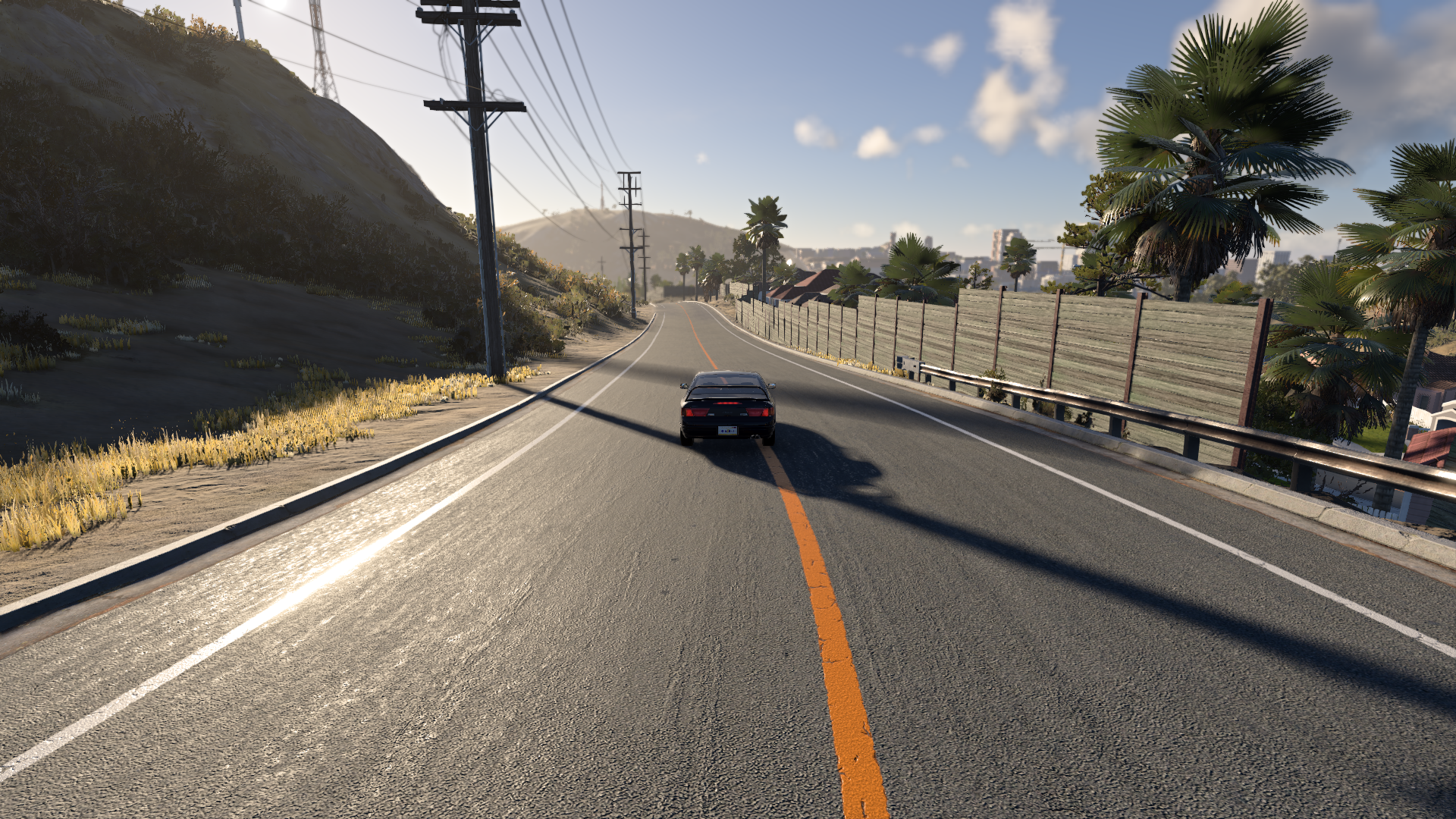
|
| Handheld | High | Low | Lowest | Disabled | Disabled | Low | Normal | On |
The presets also scale mesh, terrain, and texture quality, anisotropic filtering (0, 2, 4, 8, 16), grass density (0 to 1.0), and the maximum decal count (2000 to 8000).
A few settings are not part of any preset and keep the user’s own choice:
- Screen Space Reflections and Specular Occlusion are off in every preset, including Ultra. Users enable them manually.
- Anti-aliasing, the upscaler, and the render resolution slider. See Anti-aliasing and upscaling .
- Depth of field and motion blur.
- Bloom follows Lighting Quality: it is off on Lowest and on for every other level.
Lighting Quality
Lighting Quality currently has four modes: Lowest, Low, High, and Ultra. There is no separate Normal Lighting Quality mode; old numeric values or "Normal" are upgraded to High.
| Lighting Quality | Light manager | Shadow filter | Main effect |
|---|---|---|---|
| Lowest | Basic Lighting | None | Fastest fallback path. Not representative of final physically based lighting. Low shader quality, no parallax mapping, no planar water reflections, no temporal anti-aliasing or upscalers. |
| Low | Advanced Lighting | SoftShadow | Lower-end advanced path with some shadow and effect limits. |
| High | Advanced Lighting 1.5 | SoftShadow | Main physically based lighting path and recommended authoring baseline. Required for screen space reflections and specular occlusion. |
| Ultra | Advanced Lighting 1.5 | SoftShadow + sun PCSS | Same main lighting model as High, with contact-hardening penumbra enabled for sun shadows. |
Shader quality is no longer a separate setting. It follows Lighting Quality: Lowest uses the low shader set, all other levels use the high shader set.
Basic Lighting
Used by Lowest Lighting Quality.
Basic Lighting is a simplified fallback renderer intended for performance. It is not representative of the final physically based lighting result.
On this setting:
- Shadows do not exist
- Materials look flatter.
- Glossy and metallic surfaces may appear less accurate.
- Many PostFX effects are unavailable or unsupported.
- Reflections and screen-space effects may be reduced or missing.
This mode is useful for very low-end settings, but should not be used for authoring final lighting or materials.
Advanced Lighting
Used by Low Lighting Quality.
Advanced Lighting provides a more complete lighting pipeline than Basic Lighting. It supports dynamic lights, soft shadows, and better material response, but it is still a fallback compared to Advanced Lighting 1.5.
Advanced Lighting 1.5
Used by High and Ultra Lighting Quality.
Advanced Lighting 1.5 is the main lighting path for physically based rendering. It is the recommended mode for content creation, material checks, local lights, emissives, reflections, and final scene lighting.
Shadows Quality
Shadows Quality is separate from Lighting Quality. It changes the global shadow texture scale used by shadow maps.
| Shadows Quality | Texture scale | Notes |
|---|---|---|
| Disabled | 0.25 | Shadows off. Also disables screen-space shadows. |
| Lowest | 0.25 | |
| Low | 0.5 | Used by the Handheld preset. |
| Normal | 1.0 | Used by the Normal preset. |
| High | 2.0 | Used by the High and Ultra presets. |
| Ultra | 4.0 | Manual choice only. |
Lower Shadows Quality can make shadows appear blurrier, blockier, or missing. This can affect interiors, headlights, street lights, foliage, and small prop details.
Lighting Quality also affects shadow behavior through the light manager: Lowest uses Basic Lighting shadows, while Low, High, and Ultra use the advanced shadow path.
Shadows Quality controls shadow-map resolution, while Ultra Lighting Quality enables PCSS penumbra filtering for sun shadows. Clustered local lights soften their shadows through the light’s sourceRadius. Screen-space shadows are a separate PostFX effect.
See Lighting Techniques for the differences between shadow maps, PCSS, screen-space shadows, and GTAO+.
Local Lights Quality
Since version 0.40, Local Lights Quality controls the clustered point and spot light path separately from Lighting and Shadows Quality. It sets how many local lights can cast shadows at the same time, how small a light can be on screen before it is replaced by a cheap corona, and how much shadow atlas space each light receives.
| Local Lights Quality | Max shadowed local lights | Light replaced by corona below | Distance coronas | Shadow detail |
|---|---|---|---|---|
| Lowest | 16 | 4% of screen height | Off | Reduced |
| Low | 48 | 2.5% | On | Slightly reduced |
| Normal | 64 | 2% | On | Standard |
| High | 96 | 1.5% | On | Increased |
| Ultra | 96 | 1% | On | Increased, larger shadow padding |
For content creators this means that dense night scenes with many shadowed lights look different across presets. On Lowest only 16 local lights can cast shadows, distant lamps switch to coronas earlier, and the fake corona is disabled entirely. Author important lights so they still read when only the closest ones are shadowed. See Lights and shadows .
Reflections and mirrors
Dynamic reflections and dynamic mirrors are separate from Lighting Quality. Since version 0.40, they are quality levels instead of separate enable, detail, distance, and texture size settings.
| Level | Cubemap size | Faces per update (reflections) | Detail | Distance |
|---|---|---|---|---|
| Disabled | - | - | - | - |
| Lowest | 128 | 1 | 0.1 | 50 m |
| Low | 256 | 1 | 0.1 | 50 m |
| Normal | 256 | 1 | 0.5 | 100 m |
| High | 512 | 2 | 0.75 | 200 m |
| Ultra | 1024 | 2 | 0.75 | 300 m |
The overall presets map to these levels as follows:
- Lowest / Low / SteamDeck disable dynamic reflections and mirrors.
- Normal keeps dynamic reflections disabled, but enables dynamic mirrors at Normal.
- High enables dynamic reflections and mirrors at Normal.
- Ultra uses High for both.
This affects vehicle paint, glass, mirrors, wet roads, glossy props, and other reflective surfaces. Correct lighting should still have cubemap and material fallbacks, because most users will run without dynamic reflections.
Screen space reflections and specular occlusion
Both effects were added in version 0.40 and are described on the Reflections and Lighting Techniques pages. For quality checks, keep in mind:
- Both require High or Ultra Lighting Quality. The options are disabled otherwise.
- Screen space reflections also require Direct3D 12 or Vulkan. The Screen Space Reflections setting has the levels Off, Low (quarter resolution), Medium (half), and High (full).
- Specular occlusion requires Ambient Occlusion to be enabled.
- Both are off in every preset. Check the scene with them off first, then on.
Clouds, ambient, and fog
Cloud quality is a separate graphics setting with Disabled, Low, Normal, and High modes. It changes volumetric cloud sampling and shadow/transmittance update cost. Disabled turns volumetric clouds off entirely and is used by the Lowest preset.
Cloud quality can affect lighting because clouds feed into sky ambient lighting, cloud transmittance, and fog/cloud consistency. Lower cloud quality may make dynamic weather less accurate or less detailed, even if Lighting Quality is High.
Fog and ambient lighting also depend on the current exposure, sun direction, sun radiance, sky SH9 ambient data, and cloud transmittance. When checking outdoor lighting, test weather and cloud settings, not only local lights.
PostFX and exposure
The lower overall presets disable several PostFX effects that affect perceived lighting:
- GTAO+ ambient occlusion (Ambient Occlusion Off on Lowest and Low; Normal on every other preset, High is a manual choice)
- Screen-space shadows (off on Lowest and Low)
- Bloom (off on Lowest Lighting Quality)
Depth of field and motion blur are user choices and are not changed by presets. GTAO+ and screen-space shadows add view-dependent occlusion and shadow detail. Bloom affects bright emissives, headlights, and highlights. Do not tune physical light intensity only to compensate for these effects being disabled on lower presets.
Anti-aliasing and upscaling also change how lighting detail is perceived. Temporal modes such as SMAA T2x, DLSS, FSR, and XeSS stabilize thin highlights and specular detail, while rendering at a reduced resolution softens small emissives and reflections. See Anti-aliasing and upscaling .
See Lighting Techniques for how these effects complement shadow maps and where their screen-space limitations apply.
Auto Exposure, local exposure, and tone mapping are part of the current lighting pipeline and should be evaluated on the main advanced lighting path. Lowest/low-end settings are fallback checks, not the authoring target.
HDR output
HDR output is controlled separately from overall quality. The game tracks whether HDR is requested and supported, and uses settings such as paper white, peak white, and UI multiplier when HDR is active.
Content should not be authored separately for SDR and HDR. Use physically meaningful values and check that highlights, emissives, and exposure remain readable in both output modes.
Impact on content creators
Lighting Quality changes how accurately the scene is rendered, not how lights should be authored.
You should still use:
- Real light units such as lumens, candelas, lux, and nits
- Correct exposure values
- Realistic color temperature
- Proper roughness, metallic, and clear coat values
- Cubemap and reflection fallbacks
- Reasonable shadow use and shadow
texSizevalues
Avoid increasing light intensity just to compensate for lower quality settings. That can make the same light too bright on High or Ultra.
Recommended workflow
When creating lighting or materials:
- Work on High Lighting Quality or better.
- Use Normal or High Shadows Quality for normal authoring, and Ultra only when checking maximum shadow detail.
- Use the High or Ultra overall preset for final checks involving reflections, mirrors, clouds, and screenshots.
- Enable Screen Space Reflections and Specular Occlusion for reflective material checks, then confirm the scene also works with both off.
- Set exposure before adjusting light intensity.
- Use real-world reference values.
- Check Normal, Low, and Lowest only after the main setup is correct. Pay attention to Local Lights Quality in dense night scenes.
- Make sure the scene remains readable without relying only on PostFX, dynamic reflections, or subtle shadow detail.
Settings keys
Mods and tools that read or write graphics settings should use the current keys. Several keys were replaced in version 0.40:
| Setting | Key | Values |
|---|---|---|
| Lighting Quality | GraphicLightingQuality |
Lowest, Low, High, Ultra |
| Shadows Quality | GraphicShadowsQuality |
Disabled, Lowest, Low, Normal, High, Ultra |
| Local Lights Quality | GraphicClusteredQuality |
Lowest, Low, Normal, High, Ultra |
| Dynamic reflections | GraphicDynReflectionQuality |
Disabled, Lowest, Low, Normal, High, Ultra |
| Dynamic mirrors | GraphicDynMirrorsQuality |
Disabled, Lowest, Low, Normal, High, Ultra |
| Cloud quality | GraphicCloudsQuality |
Disabled, Low, Normal, High |
| Ambient occlusion | PostFXSSAOGeneralQuality |
Off, Normal, High |
| Specular occlusion | PostFXSpecularOcclusionEnabled |
true, false |
| Screen-space shadows | PostFXScreenSpaceShadowsEnabled |
true, false |
| Screen space reflections | PostFXSSRQuality |
Off, Low, Medium, High |
| Anti-aliasing / upscaler | GraphicAntialiasType |
off, fxaa, smaa, smaaT2x, dlss, fsr3, fsr4, xess, fsrCustom |
| Render resolution | GraphicUpscalingQuality |
0.33 to 1.0 |
Obsolete keys that are removed on load: GraphicShaderQuality, GraphicDynReflectionEnabled, GraphicDynReflectionDetail, GraphicDynReflectionDistance, GraphicDynReflectionTexsize, GraphicDynMirrorsEnabled, GraphicDynMirrorsDetail, GraphicDynMirrorsDistance, GraphicDynMirrorsTexsize, PostFXBloomGeneralEnabled, PostFXDOFGeneralQuality, PostFXScreenSpaceShadowsQuality, GraphicDisableShadows, and GraphicGamma.
Best practices
- Use High Lighting Quality as the minimum baseline for PBL work.
- Use Ultra Lighting Quality for sun shadow penumbra checks and final screenshots.
- Test lower presets for fallback behavior, including Local Lights Quality Lowest for night scenes.
- Do not rely on subtle shadows being visible on all presets.
- Do not rely only on PostFX for key lighting.
- Do not rely on screen space reflections or specular occlusion; they are off by default.
- Provide cubemap and material fallbacks for reflective materials.
- Keep physical light values correct and adjust exposure/setup instead of using “magic” intensity values.
Was this article helpful?
