Steam Deck and Linux Issues
The Steam Deck version of BeamNG uses native Linux binary by default for better performance and reduced power consumption. The Steam Deck and native Linux version might suffer from some specific issues. This page provides instructions how to deal with some of them.
Lost data after switching from Proton to native Linux
In January 2026 we switched the default launch option on Steam Deck and other Linux systems from Proton (an emulation layer running the Windows binary) to our native Linux binaries. As the user folders of these two versions are not in the same location, you might have lost your settings or installed mods. You can follow one of the following options to get them back:
Option A - copy the data to the native Linux location
You will need to use the Linux terminal, which you can access in the “Desktop Mode” on Steam Deck. There, run the following commands to copy the Proton user folder to the native Linux user folder location.
mkdir -p ~/.local/share/BeamNG
cd ~/.local/share/Steam/steamapps/compatdata/284160/pfx/drive_c/users/steamuser/AppData/Local/BeamNG/
cp -r BeamNG.drive ~/.local/share/BeamNG
Option B - keep running the Proton version
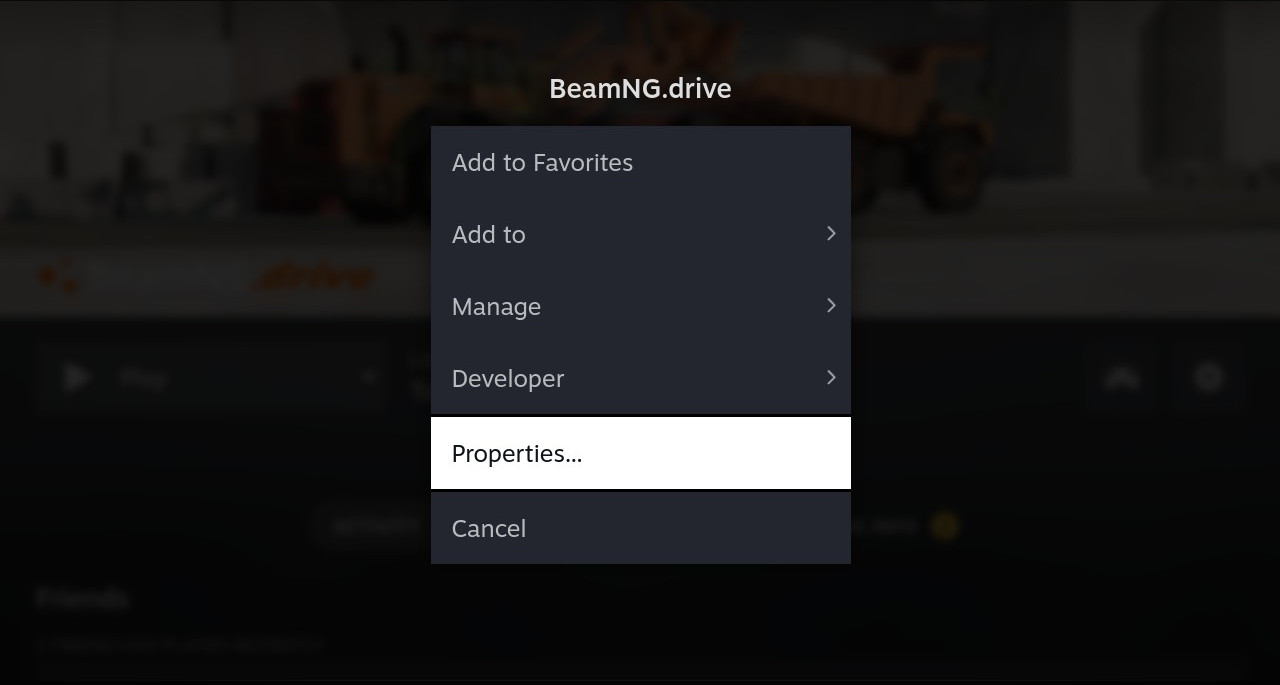
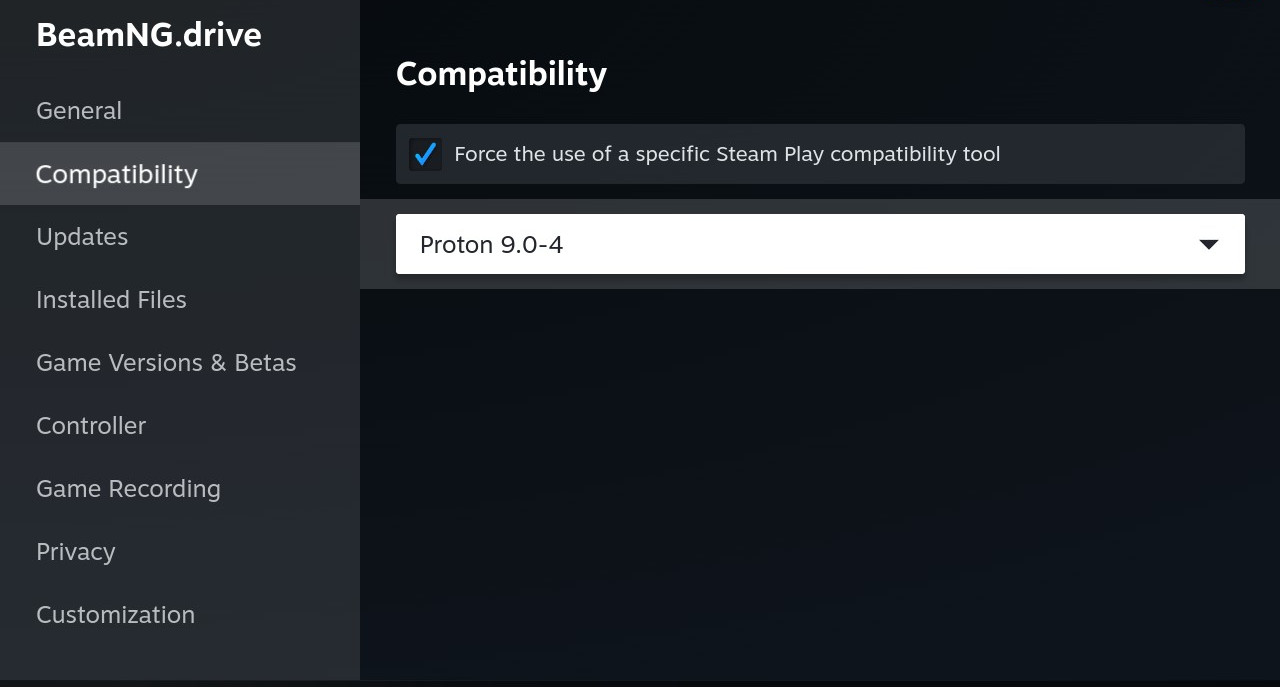
In Steam, go to BeamNG.drive properties, check the option “Force the use of a specific Steam Play compatibility tool”, and choose a version of Proton from the list shown. We recommend Proton version 9.0. This will make BeamNG keep using the Windows version with the Proton compatibility layer and the previous user folder.
Was this article helpful?
